A Product of Prospera Finance Ltd.
Your money, your goals. One app.
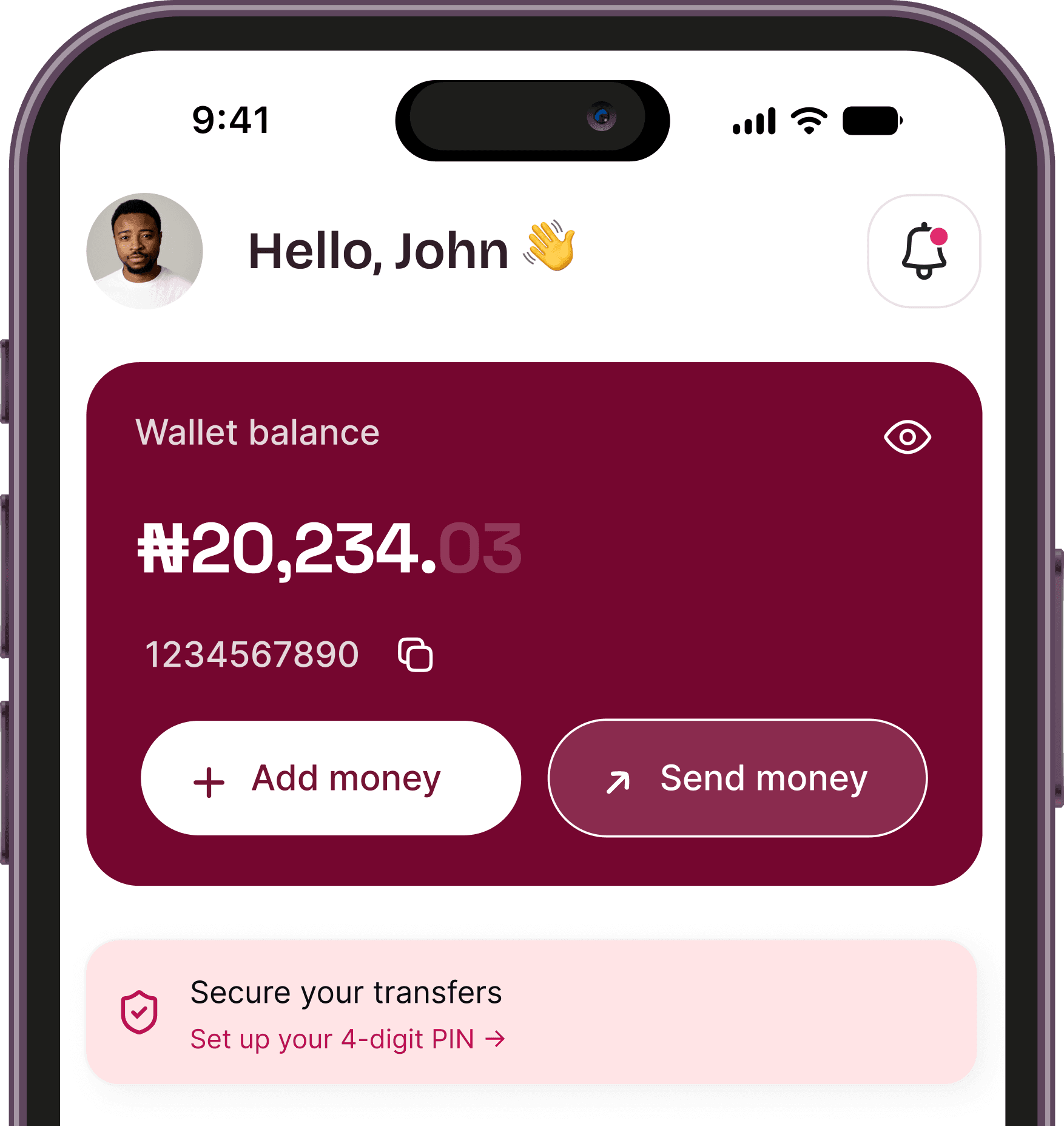
Receive and transfer funds, build savings, access loans, and manage POS terminals from a single, secure platform.

A Product of Prospera Finance Ltd.
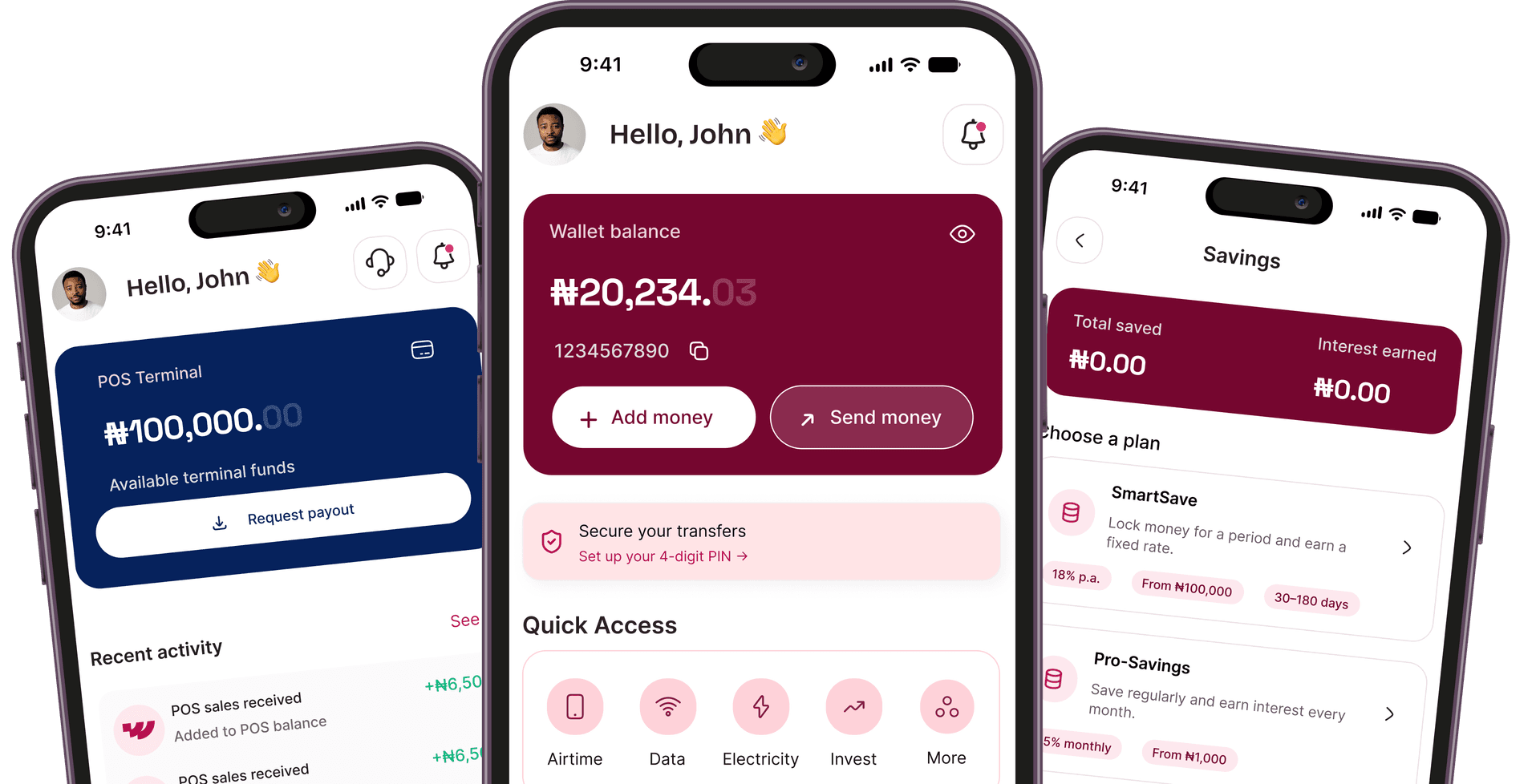
Receive and transfer funds, build savings, access loans, and manage POS terminals from a single, secure platform.
Manage your account, savings, deposits, loans and business services—all in one place.
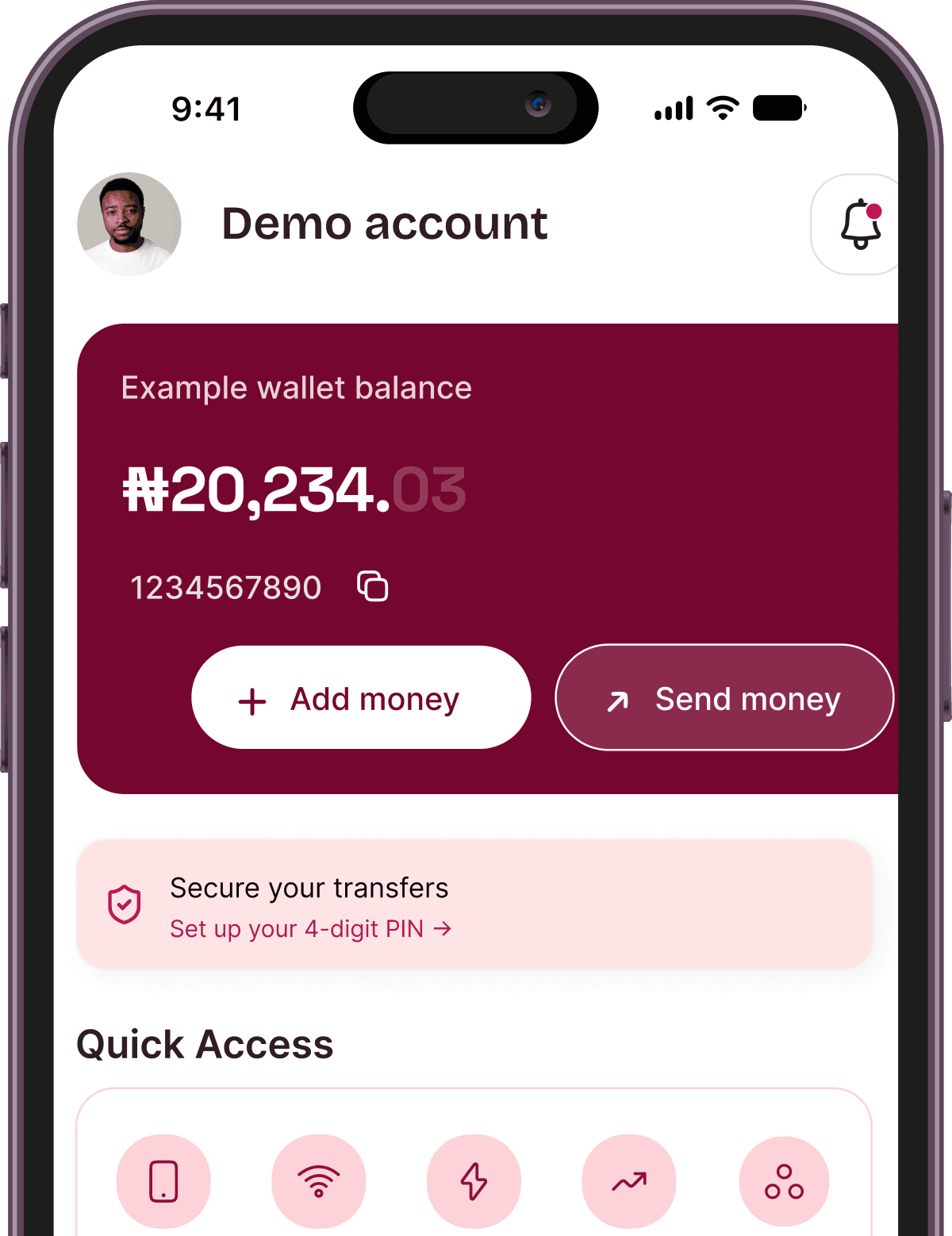
Receive money into your Worta wallet, send transfers to any bank account, and follow every transaction in one place. Fund your wallet, then choose how to use it.
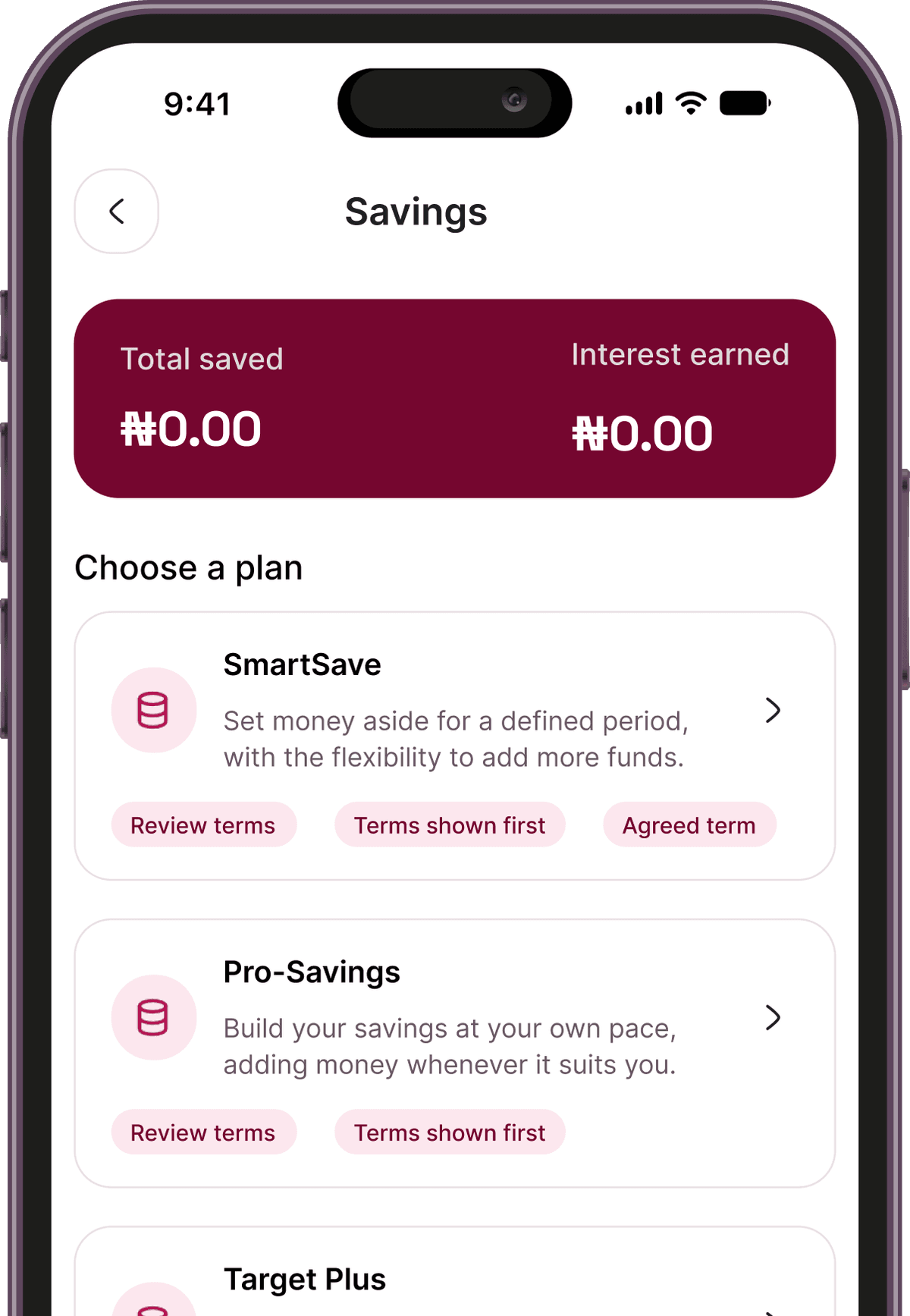
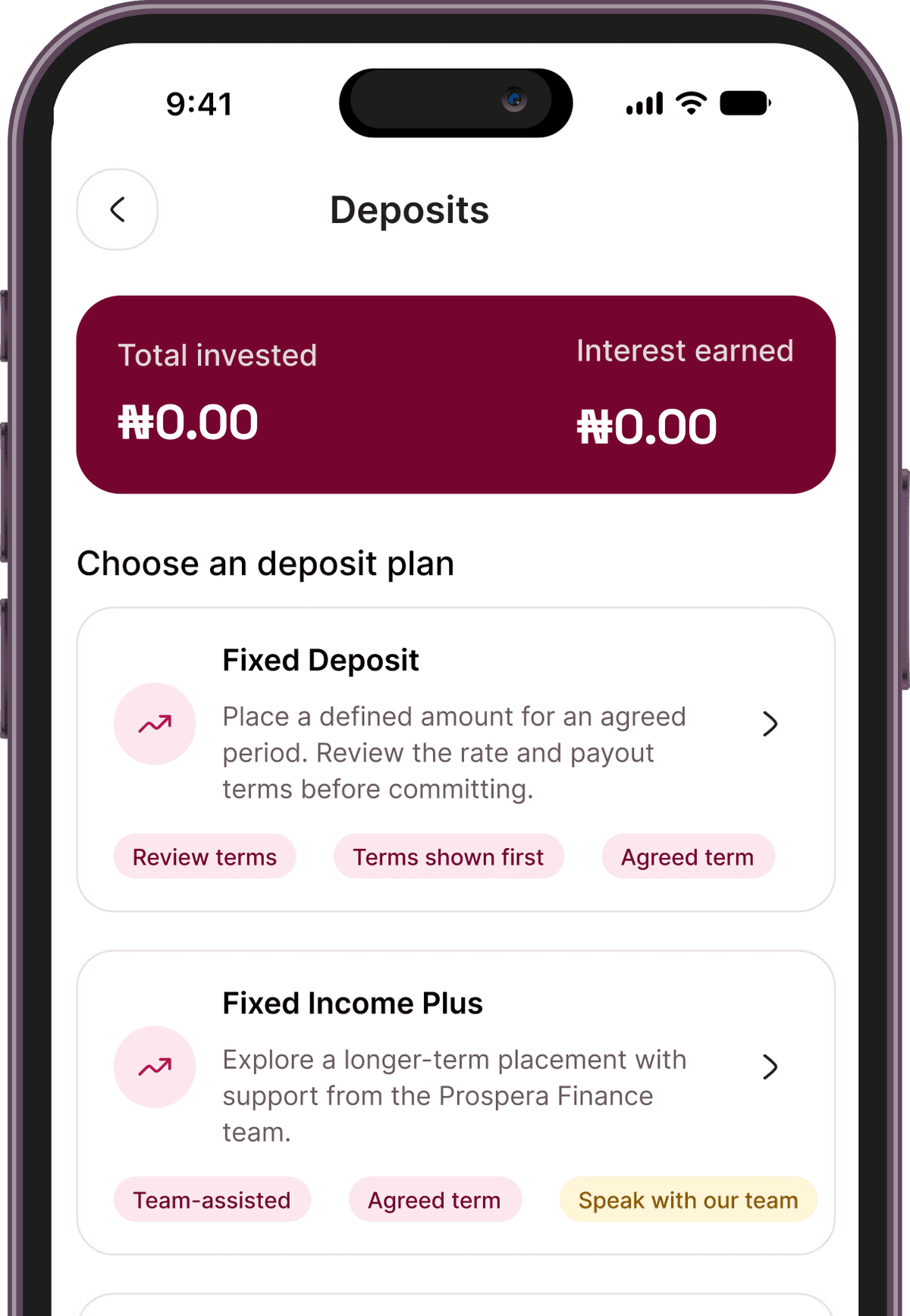
Choose a plan that suits your goals. Fund your main wallet, choose an available plan and review its terms before confirming.
View your plans: see your active deposit plans and their details in one place. Returns are based on the applicable product terms.
Explore loan options and estimate repayments. Get a POS terminal for your business and request payouts against your available settlement balance.
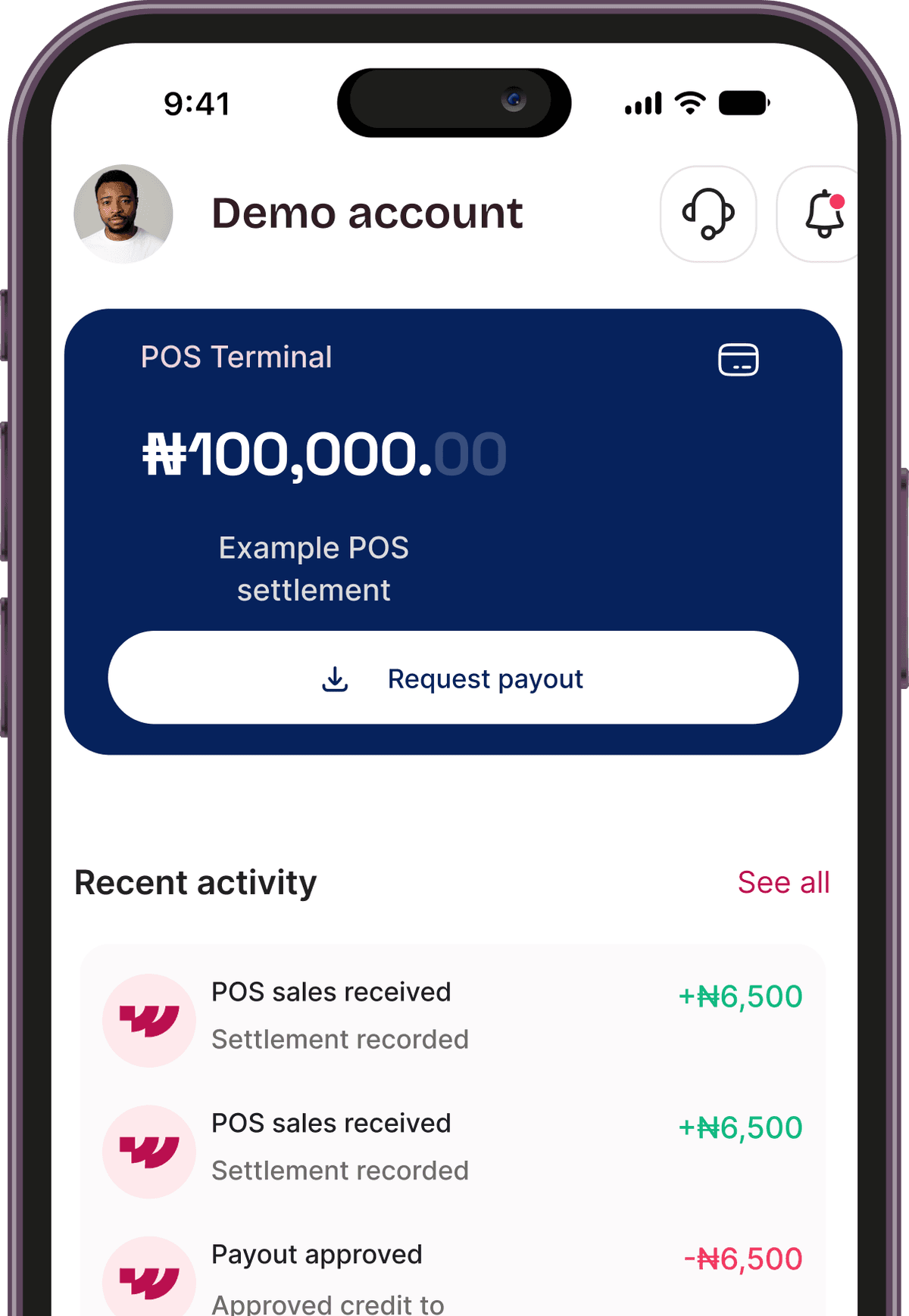
The applicable amount, duration, rate, charges and payout conditions are provided before you commit funds.
Contact our support team through the app or email.
A 4-digit transaction PIN protects your payments. Applicable transaction charges are shown before you confirm.
Choose a plan that suits your goals.
Account, savings, deposits, loans and POS in one app. Illustrative app previews — example balances shown are not customer results.
SmartSave, Pro-Savings and Target Plus, side by side.
Rate, tenor, minimum and early-exit rules before you confirm.
See your active savings plans and their details in one place.
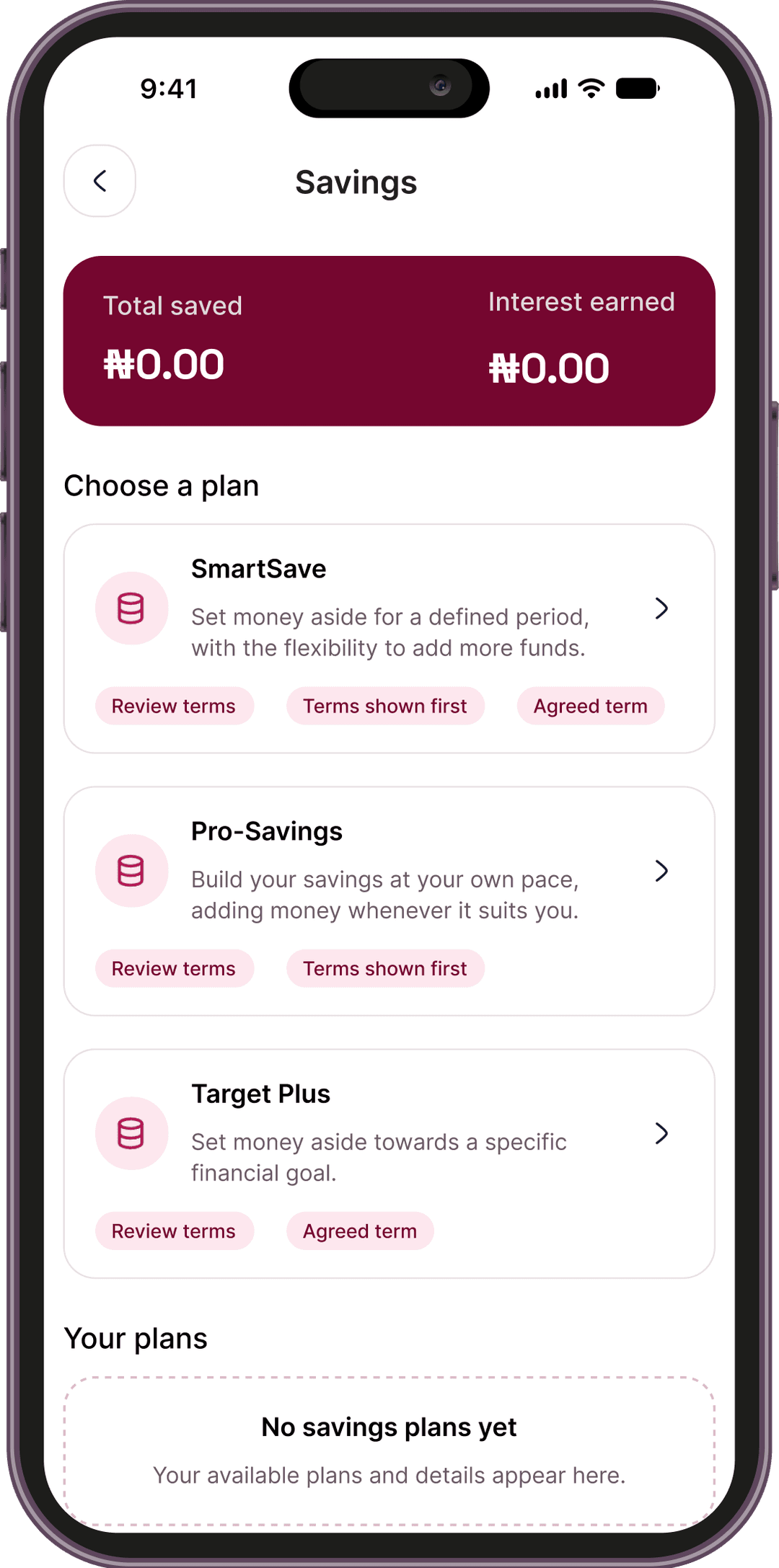
Choose a plan that suits your goals. Fund your main wallet, choose an available plan and review the terms before confirming.
Set money aside for a defined period, with the flexibility to add more funds.
Build your savings at your own pace, adding money whenever it suits you.
Set money aside towards a specific financial goal.
The applicable amount, duration, rate, charges and payout conditions will be provided before you commit funds. Early liquidation is subject to the conditions of your plan. Where available, applicable deductions and the amount payable will be shown before confirmation. Plans with upfront interest are locked for the agreed term and cannot be liquidated early. At maturity, the principal and any interest due are paid into your main wallet. You can then choose to start another plan.
Fixed-term plans with terms and conditions explained before you commit. Returns are based on the applicable product terms.
Place a defined amount for an agreed period, with the applicable rate and payout terms explained before you commit.
Explore a longer-term placement with support from the Prospera Finance team.
Speak with the Prospera Finance team about a tailored arrangement for larger amounts.
An enquiry does not create or fund a product. Calculator results and indicative offers are estimates. The terms confirmed when you accept a product apply to that arrangement.
Loans
Explore SME and payroll loan options and estimate repayments. Eligible Tier 3 customers can submit a request through the app for assessment and team follow-up. A six-month bank statement may be provided to support the application, but it is optional. Submission does not guarantee approval.
Estimate your repayment
Calculator results are estimates. Your final rate, charges and repayment schedule will be stated in your loan offer.
POS Services
Get a free POS terminal for your business, with no setup fee. Individual applicants need a BVN, NIN slip, utility bill, email address and phone number. Corporate applicants must also provide CAC registration documents. Applications are subject to verification and approval. Start accepting payments once your terminal has been approved, configured, delivered and activated. Any applicable processing charges and terminal-use conditions will be explained before you accept.
Get a free POS terminal for your business, with no setup fee. Applications are subject to verification and approval. Any applicable processing charges and terminal-use conditions will be explained before you accept.
Get started in a few steps. Account registration takes place in the Worta app — this website helps you explore our services.
When available, register in the Worta app using your phone number.
Complete quick, secure in-app KYC checks to unlock your account tiers.
Once your account is activated, use your personal account details to receive money.
Transfer money, start savings plans, or apply for business tools.
Worta is a digital financial platform developed and operated by Prospera Finance Limited. It combines modern technology with Prospera's experience to make financial services simpler, more accessible and easier to manage for individuals and businesses.
Make financial services easier to access, understand and use — for individuals and businesses.
Help individuals and businesses manage their money clearly and make progress towards their financial goals.

Biometric sign-ins, secure PIN authorizations, and safe in-app checks protect your account from unauthorized users.
Worta benefits from Prospera Finance Limited's institutional experience, governance and commitment to delivering dependable financial solutions.
Worta is a digital platform operated by Prospera Finance Limited. Banking services provided by Loma Microfinance Bank Limited. Worta is not a bank. It brings account services, savings, deposit options, loans and POS services together, subject to eligibility and product availability.
No. Account registration takes place in the Worta app — this website helps you explore our services.
Register in the Worta app using your phone number, complete quick, secure in-app KYC checks to verify your identity, then use your personal account details to fund your wallet.
SmartSave, Pro-Savings and Target Plus. You can review each plan's terms in the app before you commit.
Deposit is available in the app. For Fixed Income Plus and Wealth Mandate, speak with the Prospera Finance team. An enquiry does not create or fund a product.
The applicable amount, duration, rate, charges and payout conditions will be provided before you commit funds.
Early liquidation is subject to the conditions of your plan. Where available, applicable deductions and the amount payable will be shown before confirmation. Plans with upfront interest are locked for the agreed term and cannot be liquidated early.
Download the Worta app to start managing your money, growing your savings, and scaling your business.